Your next level starts here.
Explore HNU-FCSIT ICPC training material across every level. Learn concepts, experiment with code, and practice at your own pace.
Free to explore No account needed Your own pace
Make the invisible
steps visible.
A loop is more than a few lines of code. It’s a sequence of small decisions. Step through this one and watch the answer take shape.
Read the idea
Plain explanations, real C++ examples.
Follow the steps
Change inputs and see what happens.
Make it yours
Predict, practice, and explain the why.
// One value at a time
int sum = 0;
for (int x : values) {
    sum += x;
}A place for every
stage of your journey.
Choose a published level, explore its sessions, and build the skills for your next challenge.
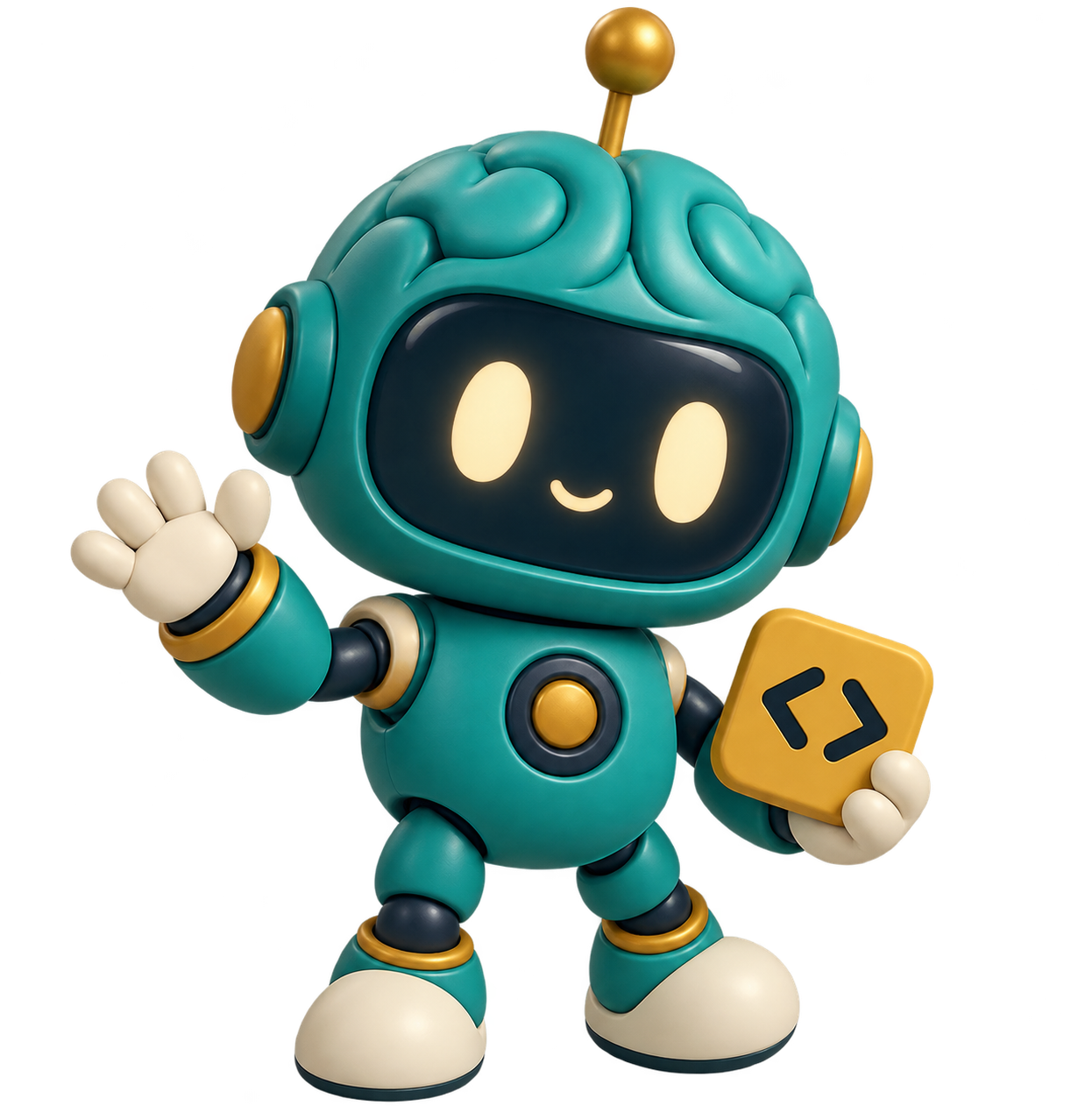
Curiosity looks
good on you.
Meet Bit, your resident question-asker and reminder that nobody starts as an expert. Stay curious. Try the small example. Celebrate the moment it clicks.
A few good
questions.
Find your way through the training material.
Which training level should I choose?
Read each level’s description and sessions to find the right fit. Level 0 introduces C++ and problem-solving foundations for beginners. You can open any published level directly.
Is this website only for Level 0?
No. This is the community’s home for training material across all levels. The training levels page shows the material currently published by the training team.
Do I need to create an account?
No. Every published lesson, visual lab, and reference is open to everyone. Your progress, notes, and bookmarks are saved in this browser.
How is website activity measured?
Anonymous activity counts help the training team improve the material: page visits, button clicks, resource opens, and learning milestones. Notes, search text, and form input are not sent. Your browser gets a random identifier; Do Not Track and Global Privacy Control are respected.
Can I run C++ code on the website?
The visual labs are guided simulations. To compile C++ programs, copy the complete examples into your local C++23 compiler. Code fragments need their surrounding program.
Where are the original materials?
You can open the complete original PDFs from the Resources page or jump to the source page from a lesson.
Will my progress sync across devices?
Progress stays in the browser on the device you use. You can export a backup from Resources. Clearing browser storage removes the local copy.
Keep learning.
Keep moving forward.
Your training material, together in one place.